
There is a genuine market for bold, joyful artwork, and fruit illustrations sit right at the heart of it. Bright lemons, blushing peaches, and jewel-toned figs have become some of the most sought-after prints in the home décor space. If you have been filling sketchbooks with loose fruit doodles and wondering how to take them further, the good news is that the process of turning those sketches into polished, print-ready files is far more accessible than most artists realise. This guide walks you through exactly how to turn doodles into sellable art prints, step by step.
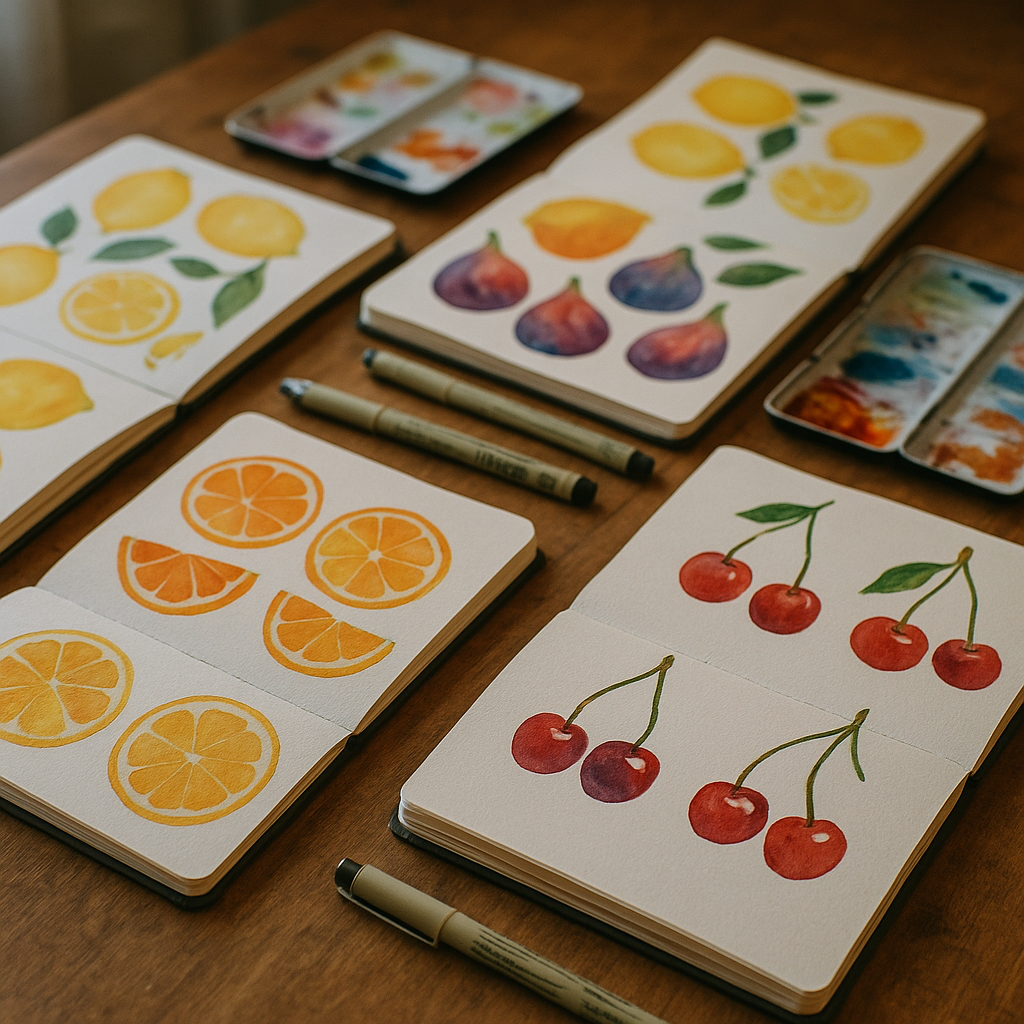
Start With a Strong Sketch Worth Developing
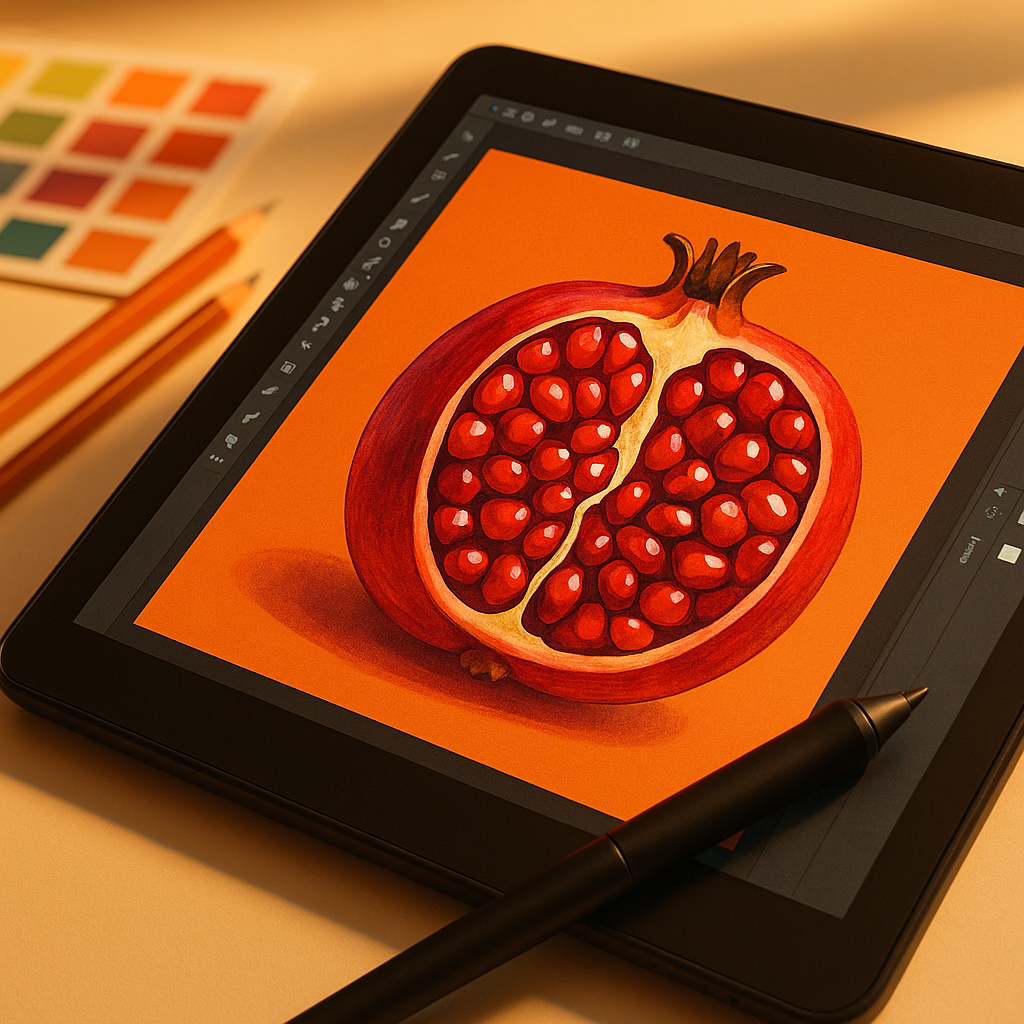
Not every doodle deserves to become a print, and that is a good thing. Spend time reviewing your sketchbook with fresh eyes, ideally a day or two after drawing, to see which pieces have a natural energy or charm. Look for compositions with a clear focal point, satisfying shapes, and a sense of movement or personality. A lemon slice catching the light, a cluster of grapes with overlapping forms, or a single pomegranate split open are all subjects with strong visual potential. Once you have identified your best sketches, scan them at a high resolution, ideally 600 dpi or above, using a flatbed scanner rather than a phone camera for the cleanest line work.
Refining Your Line Work Digitally
Once your sketch is scanned, bring it into software such as Adobe Illustrator, Procreate, or even the free tool Inkscape. If you are working in a raster programme like Procreate, create a new layer and trace over your original sketch with clean, confident lines. This is not about making your work stiff or mechanical; it is about removing the wobbles that come from paper texture and pencil uncertainty, while keeping the looseness that makes hand-drawn art appealing. For illustrators who want to sell vector files, Illustrator’s Live Trace feature or manual pen tool work will give you scalable artwork that can be printed at any size without quality loss. This scalability is essential for print-on-demand platforms.
Choosing Your Colour Palette for Print
Colour is where fruit illustration really sings. When building your palette, think about how colours will reproduce on paper or card. Screens display in RGB, but printers work in CMYK, and there can be a noticeable shift between the two, particularly with very saturated oranges and vibrant greens. Always convert your file to CMYK before exporting your final print file, and use a colour profile like ISO Coated v2 300% for most print applications. Test a small print before committing to a full run. Professional printing companies, including Lister Group, a UK-based print and display solutions provider, can offer proofing services that help you see exactly how your artwork will translate from screen to physical product.
How to Prepare a Print-Ready File
The difference between a casual digital painting and a print-ready file comes down to a few technical details that are easy to get right once you know them. Set your canvas size to match common print dimensions, such as A4, A3, or standard US sizes like 8×10 inches, as these sell consistently well. Your file should be at least 300 dpi at the final print size. Add a bleed of 3mm on all sides if you plan to sell as physical prints with a white border, so that the printer has room to trim without cutting into your artwork. Save your final file as a flattened TIFF or high-resolution PDF. Avoid JPEG for print files, as the compression introduces artefacts that become visible at larger sizes.
Presenting Your Art for Online Platforms
Platforms like Etsy and Society6 each have their own file requirements, so always check the upload guidelines before preparing your assets. For Society6, you will typically upload one large master file and the platform scales it to different products automatically. For Etsy, you can offer digital downloads directly or use a print-on-demand fulfilment partner. Either way, your product photography and mockups are just as important as the artwork itself. Use lifestyle mockup images to show your fruit print hanging in a bright kitchen or a colourful living room. Free mockup generators like Smartmockups or Canva work well for this, and they help buyers visualise the work in their own homes.
Pricing Your Prints to Actually Make Money
One of the most common mistakes new sellers make is underpricing their work. When calculating your price for physical prints, factor in the cost of professional printing, packaging, your time, and platform fees. Companies like Lister Group, which provides commercial printing services across the UK, can offer competitive rates for small print runs when you are fulfilling orders yourself, which can keep your margins healthy without sacrificing quality. For digital downloads, pricing between £3 and £12 is common, but do not be afraid to charge more for exclusive or complex pieces. Bundles, such as a set of three matching fruit prints, often perform better than single items because they represent better perceived value for the buyer.
Building a Consistent Visual Brand Around Your Art
The artists who succeed on print platforms are not just good illustrators; they are also consistent brand builders. If your fruit doodles share a recognisable colour palette, line style, or mood, buyers are more likely to purchase multiple pieces and return for more. Create a small series to launch with rather than individual unrelated prints. Watercolour lemons, botanical figs, and graphic cherries can all coexist under a single brand identity if the visual language is cohesive. Your shop name, banner image, and product descriptions should all reinforce the same tone, whether that is playful and maximalist or minimal and editorial.
Turning sketchbook ideas into a genuine income stream takes patience and a little technical know-how, but the path is clear. With the right file preparation, a thoughtful colour approach, and a consistent visual identity, you can genuinely turn doodles into sellable art prints that find their way onto walls all over the world. Start with your best sketch, get the technical basics right, and let the fruit do the rest.
Frequently Asked Questions
What resolution do I need for a print-ready art file?
Your artwork should be at least 300 dpi at the final intended print size. If you plan to sell at multiple sizes, work at the largest size first at 300 dpi, as scaling down preserves quality whereas scaling up introduces blurriness. For very large format prints, 150 dpi may be acceptable, but always check with your printer.
Do I need to convert my artwork to CMYK before selling prints?
Yes, if you are selling physical prints or working with a print-on-demand service that requires print-ready files. Screens display colour in RGB, but printing presses use CMYK, and the difference can affect how vibrant colours like oranges and greens reproduce. Convert to CMYK in your editing software before exporting your final file.
Can I sell art prints on Etsy as digital downloads?
Absolutely. Digital downloads on Etsy allow buyers to purchase and print your artwork themselves, which means no fulfilment or postage on your end. You upload your high-resolution file once and Etsy delivers it automatically. Many illustrators earn passive income this way, offering files in multiple standard sizes within a single listing.
What file format should I use for art print downloads?
High-resolution PDF and TIFF formats are the best choices for print-ready art files, as they preserve quality without compression artefacts. JPEG is generally not recommended for print files because the compression can cause visible degradation, especially in flat areas of colour or fine line work at larger sizes.
How do I price my art prints on Society6 or Etsy?
For digital downloads, most independent artists price between £3 and £15 depending on complexity and exclusivity. For physical prints, calculate your production cost, packaging, platform fees, and a fair hourly rate for your time, then apply a markup of at least 2 to 3 times your costs. Bundles of two or three coordinating prints often convert better than single listings.